Coordinate systems
Coordinates pass through semantic, panel, and GPU-facing spaces. This separation lets Datoviz keep scientific domains precise while rendering with efficient GPU formats. Read this page before mixing 3D data, screen-sized marks, image samples, labels, overlays, or queries.
Audience: users combining coordinate spaces and contributors changing transforms or queries. Prerequisite: the scene building blocks. You will learn which layer owns each transformation and why navigation should not re-upload source data.
For the exact enums and conversion rules, use the coordinate-system reference. For a recipe, use Use coordinate systems.
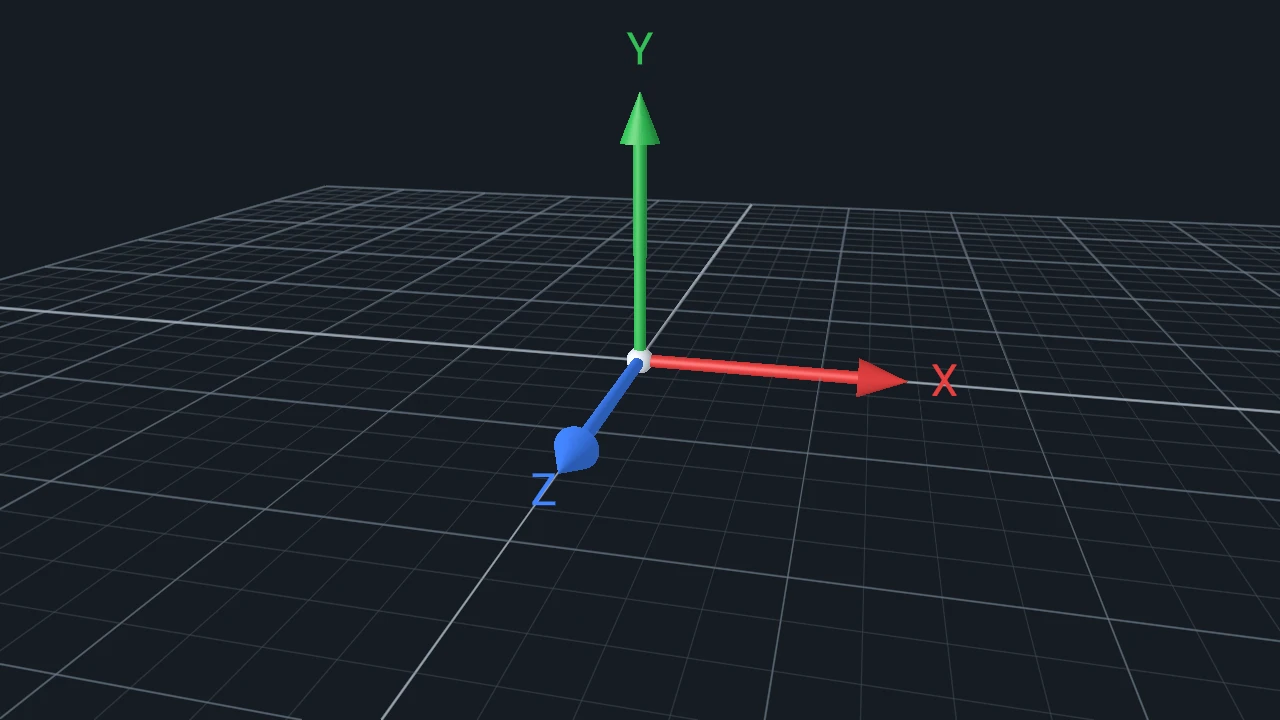
The transform chain
scientific DATA values (authoritative domain, often f64)
        |
        | normalization / family preparation
        v
visual-ready coordinates (commonly GPU-facing f32)
        |
        | panel controller, model/view/projection
        v
clip coordinates
        |
        | viewport and device-pixel mapping
        v
framebuffer pixels
Images and sampled fields add a related path from a panel/data coordinate to normalized UV, texel, or voxel coordinates. Screen-sized attributes such as point diameter or stroke width stay measured in pixels and should not scale like data positions.
Who owns each transformation
| Stage | Owner | Changes when |
|---|---|---|
| Scientific data/domain | User and retained scene resource | Source values, units, or declared domain change. |
| Normalization/family preparation | Scene-derived resource | Data-space bounds, family geometry, or normalization policy changes. |
| Panel view and camera | Panel/controller state | Panzoom, camera, framing, aspect, or viewport changes. |
| Clip-to-framebuffer mapping | Frame target and viewport | Physical output size, panel rectangle, or device-pixel ratio changes. |
| Sample lookup | Visual/field contract | Image/field dimensions, orientation, interpolation, or sample mapping changes. |
This ownership is important for performance: a pan or camera move normally changes panel transforms and redraws, but does not renormalize or re-upload the source point cloud.
Precision boundary
Semantic domains and transforms remain authoritative in double precision where the scene contract
needs it. Visual render attributes are commonly lowered to 32-bit floats unless a family contract
says otherwise. Optional GPU fp64 is a reported capability, not something user code should infer
from the backend.
Large-offset or geospatial data often benefits from CPU-side normalization or pre-projection before upload. Scene-managed nonlinear/geographic projection is not a supported v0.4 feature; project into ordinary Cartesian coordinates and retain the original values in application state when queries or labels need them.
Interaction and query consistency
Controllers mutate the view transform, not the original data. Queries use the same panel rectangle, viewport, and transform chain as rendering. A pointer begins in framebuffer coordinates, resolves to a panel, then may map to data position, scene item identity, texel, voxel, or readback request. Do not duplicate this mapping in host code when a scene query provides it.