First C program
This page is a compact C walkthrough for the same scene structure used throughout the v0.4 examples. It creates one figure, one panel, one point visual, and one native window.
The canonical complete program is examples/docs/quickstart.c, displayed in the C tab of the
Quickstart. It includes data creation, headers, result checks, lifecycle cleanup,
and the bounded-frame option used by automated checks.
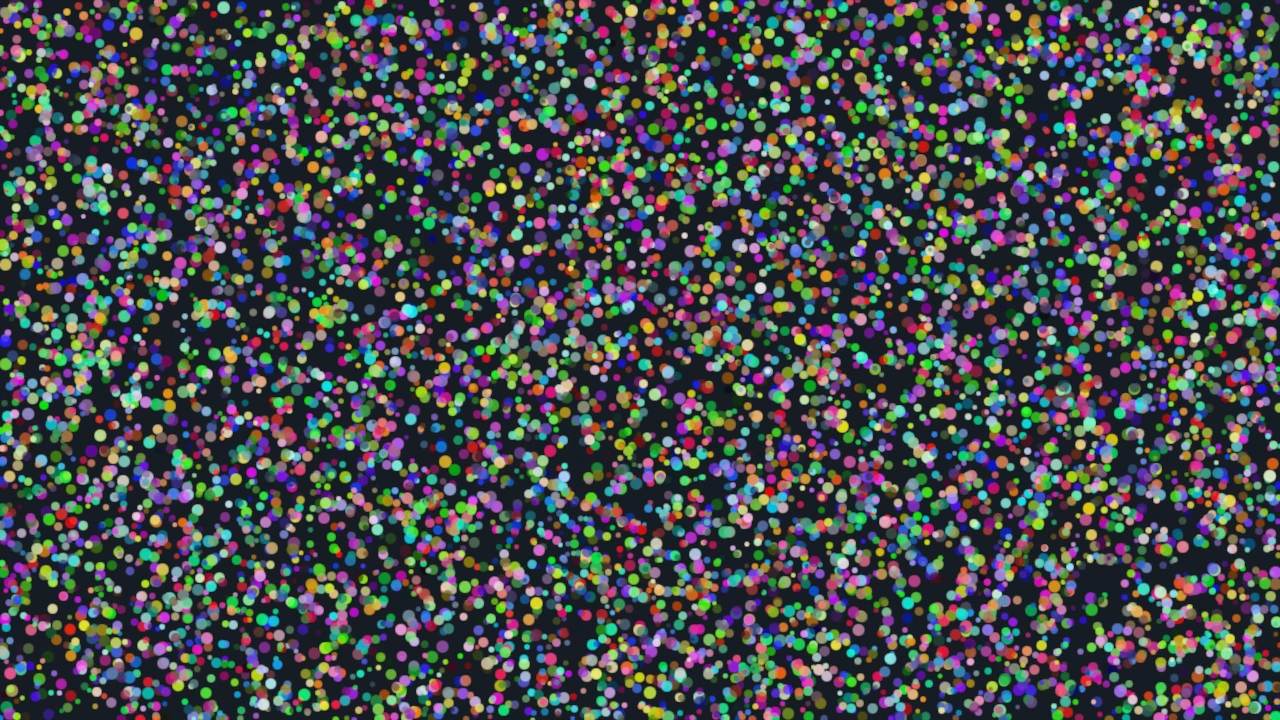
The gallery scenario at examples/c/start/scatter.c produces the corresponding release screenshot
through the repository's example runner; it is not the standalone teaching fixture shown here.
Run the complete program
From a source checkout:
just quickstart-c
./build/examples/docs/quickstart
You should see the same 10,000-point interactive scene as the Python Quickstart. Drag to pan and
scroll to zoom. For a file in your own project, use the exported CMake target or
datoviz-config described in C/C++ integration.
Program shape
A minimal C program follows this order:
- prepare C arrays for the data you want to draw;
- create a scene, figure, and panel;
- create one visual and attach arrays to its attributes;
- add the visual to the panel;
- create an app and window view;
- run the app;
- destroy the app before destroying the scene.
Call-sequence excerpt—not a complete program
The fragment below assumes that positions, colors, diameter_px, and count already exist. It
omits headers, data allocation, result checks, and failure cleanup to emphasize object and call
order. Use it to understand the sequence; copy the complete Quickstart program when starting a new
file.
DvzScene* scene = dvz_scene();
DvzFigure* figure = dvz_figure(scene, 800, 600, 0);
DvzPanel* panel = dvz_panel_full(figure);

DvzVisual* visual = dvz_point(scene, 0);
dvz_visual_set_data(visual, "position", positions, count);
dvz_visual_set_data(visual, "color", colors, count);
dvz_visual_set_data(visual, "diameter_px", diameter_px, count);
dvz_panel_add_visual(panel, visual, NULL);

DvzApp* app = dvz_app(scene);
dvz_view_window(app, figure, 800, 600, "Datoviz");
dvz_app_run(app, 0);

dvz_app_destroy(app);
dvz_scene_destroy(scene);
The important rule is that uploading arrays prepares the visual, but the visual appears only after
dvz_panel_add_visual() attaches it to a panel.
The complete source also checks fallible setup calls and destroys DvzApp before DvzScene. Keep
that cleanup order when adding an error path.
Next steps
- Quickstart displays the complete source in both Python and C.
- Core concepts explains the scene, figure, panel, visual, and view model.
- Use from C or C++ explains how to integrate Datoviz into a native project.
- Add visuals to a panel explains visual attributes and panel attachment in more detail.