Select and Highlight Data
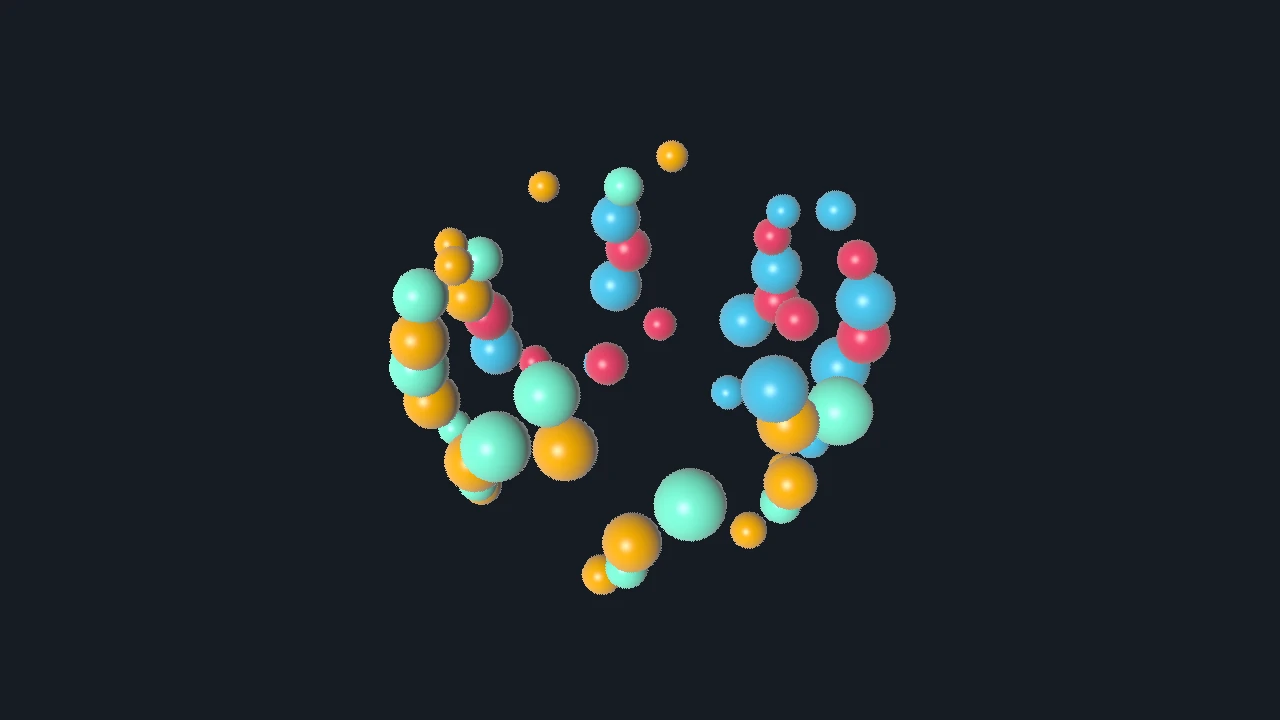
Show which items are selected without rebuilding the scene.
Use retained selection for item-level highlighting driven by picking, linked application state, or external UI. Keep the semantic selection set in application code when it has meaning beyond the rendered visual.
At a glance
- Status: Supported retained selection for current query-capable families; examples are browser-promoted selectively.
- Languages: C-first; Python exposes the exact generated selection/query calls.
- Prerequisites: Stable visual item or link ids and resolved query results or application-owned ids.
- Result: Selected and unselected items render with distinct retained state without scene rebuilds.
Task workflow
Use picking or application state to compute selected ids, then update a visual attribute or a separate highlight visual. Keep the base visual stable and make selection a small retained update.
Minimal call sequence
For item queries, prefer the retained selection object. It stores selected targets and lets the renderer apply the configured selected/unselected style:
These C blocks are excerpts. Check construction and setter results, and retain semantic selected ids in application state when selection affects more than rendering.
DvzSelection* selection = dvz_selection(
    scene,
    &(DvzSelectionDesc){
        DVZ_STRUCT_INIT_FIELDS(DvzSelectionDesc),
        .mode = DVZ_SELECT_TOGGLE,
        .target = DVZ_SCENE_TARGET_ITEM,
    });

DvzSelectionVisualStyle style = dvz_selection_visual_style();
style.selected_visual_flags = DVZ_ITEM_STATE_VISUAL_TINT;
style.selected_tint = highlight_color;
style.selected_tint_mix = 1.0f;
style.unselected_visual_flags = DVZ_ITEM_STATE_VISUAL_NONE;
dvz_selection_set_visual_style(selection, &style);
Apply successful query results to the selection:
if (query.status == DVZ_QUERY_STATUS_HIT && query.hit &&
    query.resolved_target == DVZ_SCENE_TARGET_ITEM)
{
    dvz_selection_apply_query(selection, &query);
}
else
{
    dvz_selection_clear(selection);
}
Use dvz_selection_count() and dvz_selection_copy() when application code needs the current
resolved selected targets.
Manual highlighting
Manual updates are still useful when the selected state changes a visual attribute that is not part of retained item styling, or when a separate glyph, outline, readout, or annotation should appear:
colors[selected_id] = highlight_color;
dvz_visual_set_data(visual, "color", colors, item_count);

dvz_visual_set_visible(highlight_visual, selected_id != DVZ_ID_NONE);
For dense point or pixel data, prefer a color, alpha, tint, or scale update over creating one visual per selected item.
Selection modes
| Mode | Behavior |
|---|---|
DVZ_SELECT_REPLACE |
Replace the current set with the new hit. |
DVZ_SELECT_ADDITIVE |
Add hits to the current set. |
DVZ_SELECT_SUBTRACT |
Remove hits from the current set. |
DVZ_SELECT_TOGGLE |
Add missing hits and remove already-selected hits. |
Clear the selection explicitly on background clicks when that is the application rule:
dvz_selection_clear(selection);
Hover and click
Most interactive selections use two query paths: a hover query on pointer move and a click query on
button press. Give those requests different request_id values, apply hover results to DvzHover,
and apply click results to DvzSelection.
DvzHover* hover = dvz_hover(scene, NULL);

dvz_hover_apply_query(hover, &hover_query);
dvz_selection_apply_query(selection, &click_query);
The examples/c/features/picking.c and examples/c/features/selection_pixel.c examples show this
pattern with separate hover and click request ids.
Important details
Selection state belongs to the application. Datoviz renders the highlight state you upload; it does not own your semantic selection model.
Retained selection targets are visual-local unless you bind explicit link keys. Keep a stable mapping from query result ids to application ids, especially after sorting, filtering, or replacing visual data.
Selections, hover objects, and their visual styles are scene state. Destroy explicitly managed objects before the scene, or let scene destruction release them; never retain their pointers after scene destruction.
Common mistakes
- Destroying and recreating visuals for every click.
- Losing the mapping between pick ids and application ids after sorting data.
- Highlighting with alpha while depth and blending settings hide the selected item.
- Applying every query result without checking
status,hit, andresolved_target. - Forgetting to clear retained hover or selection state on misses when the UI expects that behavior.
- Using retained selection as the only copy of application selection state when other subsystems need semantic ids.
Next steps
Complete and related examples
- Canonical complete example: Pixel Selection - Source:
examples/c/features/selection_pixel.c - Sphere Selection - Source:
examples/c/features/selection_sphere.c - Mesh Instance Selection - Source:
examples/c/features/selection_mesh_instances.c