Use 3D Controllers
Navigate 3D panels with arcball, turntable, or fly controls.
At a glance
- Status: Supported arcball, turntable, and fly controllers; browser coverage is example-scoped.
- Languages: C-first; Python exposes the same generated descriptor and binding calls.
- Prerequisites: A 3D panel, explicit camera convention, scene scale, and valid clipping range.
- Result: Mouse, wheel, and keyboard input update retained 3D view state without rewriting geometry.
3D navigation is the combination of a camera, a controller, and scene scale. The camera defines the initial eye, target, up vector, projection, and clipping range. The controller turns mouse, wheel, keyboard, and gesture input into changes to the panel's retained camera or view state.
Use the scene-owned controller constructors for ordinary v0.4 applications:
DvzController* controller = dvz_arcball(scene, NULL);
dvz_panel_bind_controller(panel, controller, DVZ_DIM_MASK_XYZ);
Bind 3D controllers with DVZ_DIM_MASK_XYZ. Use panzoom only for 2D panels.
All C blocks on this page are setup excerpts. Use the linked examples for complete scene, live-view input connection, error handling, and cleanup.
Choose a controller
Choose the controller by the user's mental model, not by the visual type alone.
| Controller | Choose it for | Main interaction |
|---|---|---|
dvz_arcball() |
A centered object inspected from arbitrary directions. | Drag to rotate; middle or right drag to pan; wheel to zoom. |
dvz_turntable() |
An upright scene where roll would make axes or terrain disorienting. | Drag to orbit around a pivot; wheel to dolly. |
dvz_fly() |
A large scene users move through instead of orbiting around. | Drag to look; use WASD or arrows to move; wheel to move forward or back. |
Double-click resets arcball and turntable. Fly also supports vertical movement, speed modifiers, and reset; its focused section below gives the complete key mapping.
Use arcball as the default for a 3D object viewer. Use turntable when the scene has a meaningful vertical axis. Use fly when translation through the scene is part of the task.
Configure the camera first
Set a camera before binding a controller when the initial viewpoint matters. A good camera makes controller behavior predictable and keeps depth precision stable.
DvzCameraDesc camera = dvz_camera_desc();

camera.view.eye[0] = 0.0f;
camera.view.eye[1] = 2.0f;
camera.view.eye[2] = 4.0f;

camera.view.target[0] = 0.0f;
camera.view.target[1] = 0.0f;
camera.view.target[2] = 0.0f;

camera.view.up[0] = 0.0f;
camera.view.up[1] = 1.0f;
camera.view.up[2] = 0.0f;

camera.projection.fov_y = 0.66f;
camera.projection.near_clip = 0.05f;
camera.projection.far_clip = 100.0f;

dvz_panel_set_camera_desc(panel, &camera);
Keep the camera convention consistent with labels, grids, lighting, picking, and any orientation
gizmo. For most examples in this documentation, Y is up, the camera looks toward the origin, and
the data is centered near the origin.
Inspect an object with arcball
Arcball is best when the user wants to inspect an object from arbitrary directions. It allows roll, so it is useful for molecules, anatomical meshes, isolated geometry, and compact point clouds where the object is more important than a fixed horizon.
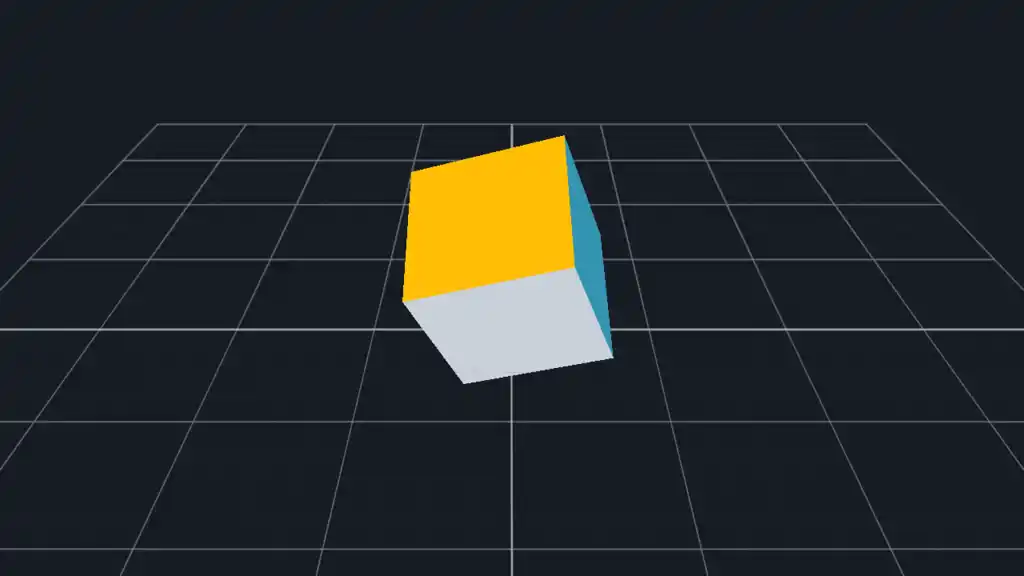
// Add visuals first: mesh, sphere, volume, or a compact 3D point cloud.
// Then attach object-inspection navigation.
DvzController* controller = dvz_arcball(scene, NULL);
if (controller == NULL)
    return false;

if (dvz_panel_bind_controller(panel, controller, DVZ_DIM_MASK_XYZ) != 0)
    return false;
Use a centered object for the first version of an arcball view. If imported geometry is far from the origin, either normalize the data or set a camera target that matches the object's center before binding the controller.
Arcball is also the simplest controller to share across comparable panels:
DvzController* shared = dvz_arcball(scene, NULL);
dvz_panel_bind_controller(left_panel, shared, DVZ_DIM_MASK_XYZ);
dvz_panel_bind_controller(right_panel, shared, DVZ_DIM_MASK_XYZ);
Shared controllers link navigation state. Use separate controller handles when panels should move independently.
Controllers returned by dvz_arcball(), dvz_turntable(), and dvz_fly() are scene-owned. Do not
destroy their typed payloads separately; destroy an explicitly managed controller only through the
controller API, or let scene destruction clean it up.
Keep scenes upright with turntable
Turntable navigation keeps an upright feel. It is usually the right choice for surfaces, coordinate systems, instrument views, map-like 3D scenes, and any view where rolling the camera makes axes hard to read.
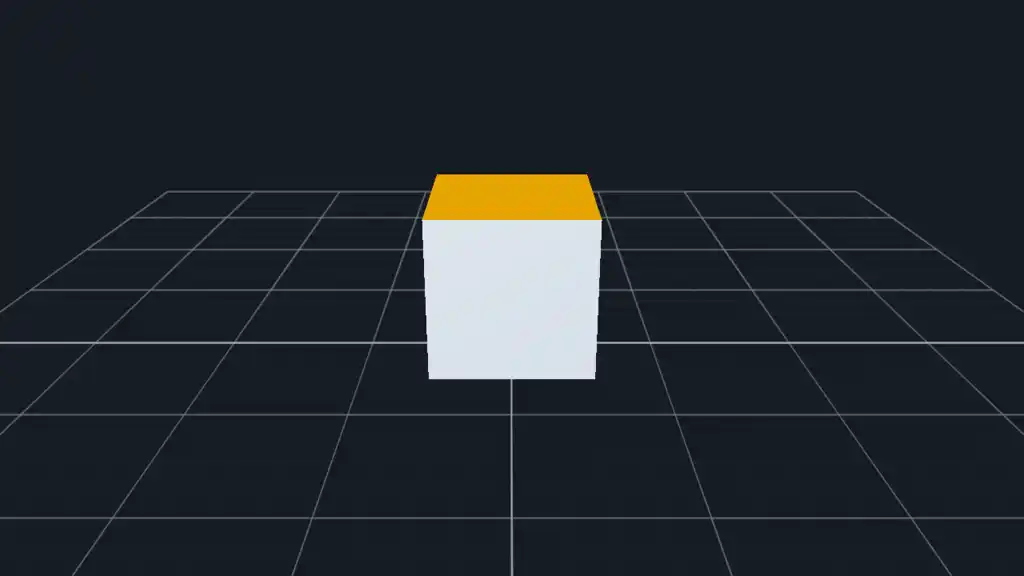
DvzTurntableDesc desc = dvz_turntable_desc();
desc.initial_view = camera.view;
desc.controller_flags = DVZ_TURNTABLE_FLAGS_CLAMP_DISTANCE;
desc.min_pitch = -0.72f;
desc.max_pitch = +0.72f;
desc.min_distance = 2.0f;
desc.max_distance = 8.0f;

DvzController* controller = dvz_turntable(scene, &desc);
if (controller == NULL)
    return false;

if (dvz_panel_bind_controller(panel, controller, DVZ_DIM_MASK_XYZ) != 0)
    return false;
The initial_view should match the panel camera. Clamp pitch and distance when the object has a
preferred viewing range, or when moving inside the object would be confusing.
Move through large 3D data with fly
Fly navigation moves the camera through the world. It is more sensitive to scale than arcball or turntable because speed is expressed in scene units.
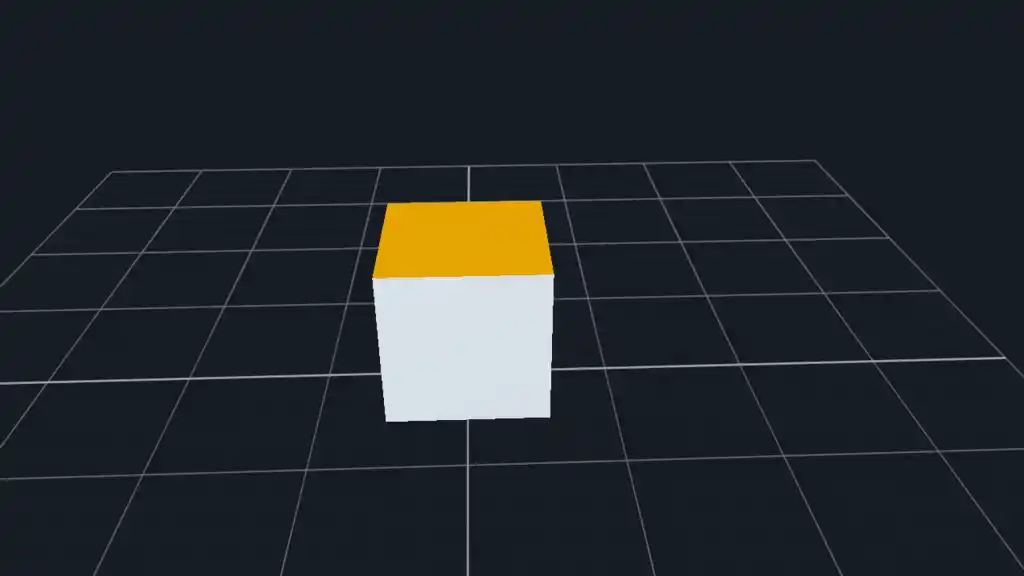
DvzFlyDesc desc = dvz_fly_desc();
desc.mode = DVZ_FLY_MODE_PLANE;
desc.initial_view = camera.view;
desc.speed = 0.70f;
desc.fast_multiplier = 4.0f;
desc.slow_multiplier = 0.25f;
desc.look_speed = 0.45f;
desc.wheel_speed = 0.60f;

DvzController* controller = dvz_fly(scene, &desc);
if (controller == NULL)
    return false;

if (dvz_panel_bind_controller(panel, controller, DVZ_DIM_MASK_XYZ) != 0)
    return false;
Use DVZ_FLY_MODE_PLANE for scenes with a ground plane or vertical axis. Use the free mode when the
camera should move in all directions without preserving a ground-plane convention. Tune speed,
look_speed, and wheel_speed after choosing the camera and clipping range; one wheel tick or one
second of keyboard motion should move a useful distance, not skip across the dataset.
Match scene scale and clipping
Controller tuning starts with scene scale:
| Scene extent | Camera distance | Near/far clipping | Controller tuning |
|---|---|---|---|
Compact object around [-1, +1] |
Eye roughly 3 to 5 units from target. | near_clip around 0.01 to 0.05; far_clip around 50 to 100. |
Defaults are usually close. |
| Medium scientific volume or mesh | Eye several object radii from target. | Keep near_clip as large as acceptable; set far_clip just beyond the data. |
Increase fly speed and wheel speed in proportion to the data extent. |
| Large point cloud or spatial scene | Eye and speeds in the same unit system as the data. | Avoid a needlessly huge far_clip / near_clip ratio. |
Prefer fly or turntable with explicit speed/distance limits. |
Do not hide scale problems in the controller. If a scene is imported in microns, meters, or voxel indices, decide whether the displayed coordinates should stay in those units or be normalized for inspection.
Check depth, lighting, and orientation
Navigation changes only view state. It does not fix render ordering, lighting, material, or depth setup.
For opaque 3D visuals:
- Enable the visual or technique settings needed for depth testing.
- Use materials and normals for meshes where orientation should be readable.
- Add a reference grid, axes, or orientation gizmo when the scene has a stable world frame.
- Verify clipping before debugging controller motion.
For transparent 3D visuals, read the depth and blending documentation before assuming navigation is the issue. Transparent geometry may need a dedicated transparency technique or draw-order policy.
Navigate multiple panels
A controller is a retained scene object. Binding the same controller to several panels links the state of those panels; creating several controllers gives each panel independent navigation.
// Linked 3D inspection.
DvzController* linked = dvz_arcball(scene, NULL);
dvz_panel_bind_controller(panel_a, linked, DVZ_DIM_MASK_XYZ);
dvz_panel_bind_controller(panel_b, linked, DVZ_DIM_MASK_XYZ);

// Independent 3D inspection.
DvzController* controller_a = dvz_arcball(scene, NULL);
DvzController* controller_b = dvz_arcball(scene, NULL);
dvz_panel_bind_controller(panel_a, controller_a, DVZ_DIM_MASK_XYZ);
dvz_panel_bind_controller(panel_b, controller_b, DVZ_DIM_MASK_XYZ);
Use the same camera descriptor for linked panels unless the difference is intentional. If cameras start from different targets or up vectors, shared interaction can feel inconsistent.
Browser status
The experimental WebGPU/WASM path supports promoted controller examples, but not every native configuration or host input path. Check the WebGPU subset and the published status of the example you plan to deploy.
Common mistakes
- Binding
dvz_panzoom()to a 3D panel instead of a 3D controller. - Binding a 3D controller with
DVZ_DIM_MASK_XYinstead ofDVZ_DIM_MASK_XYZ. - Setting the camera target far from the data center, then interpreting orbit motion as broken.
- Using a very small
near_clipand very largefar_clip, then seeing depth artifacts. - Tuning fly speed before deciding the scene's displayed unit scale.
- Expecting turntable behavior from arcball; arcball can roll by design.
- Sharing one controller between panels that should navigate independently.
- Expecting every native 3D controller configuration to be live in WebGPU.
Troubleshooting
| Symptom | Likely cause | Check |
|---|---|---|
| Dragging appears to do nothing. | Controller was not bound, or was bound to the wrong dimensions. | Verify dvz_panel_bind_controller(panel, controller, DVZ_DIM_MASK_XYZ) returns 0. |
| Object disappears while zooming or flying. | Camera clipping range is too narrow or badly scaled. | Adjust near_clip and far_clip around the actual data extent. |
| Rotation feels off-center. | Camera target or object center does not match the intended pivot. | Center the data or set the camera target to the object center. |
| Surface turns upside down. | Arcball was used where a world-up constraint was needed. | Use dvz_turntable() for upright scenes. |
| Fly jumps too far. | Movement speed is too large for the data units. | Reduce speed and wheel_speed, or normalize the scene. |
| 3D shape looks flat or unordered. | Depth, normals, material, or transparency setup is missing. | Check visual depth settings and material/lighting configuration. |
Validate the result
For a native example, build and run the narrow controller example first:
just example-c features/controller_arcball
./build/examples/c/features/controller_arcball --live
Then compare behavior with:
just example-c features/controller_turntable
./build/examples/c/features/controller_turntable --live

just example-c features/controller_fly
./build/examples/c/features/controller_fly --live
Use --png for a non-interactive smoke run, then use --live to validate the actual input model.
Next steps
- Configure cameras
- Use coordinate systems
- Use lighting and materials
- Control depth, blending, and transparency
- Controllers
Complete and related examples
- Canonical complete example: Arcball Controller - Source:
examples/c/features/controller_arcball.c - Fly Controller - Source:
examples/c/features/controller_fly.c - Turntable Controller - Source:
examples/c/features/controller_turntable.c - Orientation Gizmo - Source:
examples/c/features/orientation_gizmo.c - Protein - Source:
examples/c/showcases/protein.c