Transform Visual Data
Apply object transforms or user scales without rewriting source data.
At a glance
Status: Supported affine visual transforms and view user scale Languages: C examples below; the exact generated Python binding exposes the same calls Prerequisites: A retained visual, panel, or live view, depending on the mechanism Result: Geometry placement or screen-space sizing changes without rewriting source arrays
Task workflow
Use panel domains for the view's data range. Use visual transforms when one visual needs a local translation, scale, or rotation relative to the panel. Use user scales when an example explicitly models non-default coordinate scaling.
Choose the mechanism by the question you are answering:
| Need | Use | Changes |
|---|---|---|
| Show a different data interval | Panel domain and controller | Visible range, not source data. |
| Interpret positions as data, view, or panel coordinates | DvzVisualAttachDesc.coord_space |
How one panel attachment maps visual positions. |
| Move, rotate, shear, or scale one visual as an object | dvz_visual_set_transform() |
One visual's retained local model transform. |
| Enlarge screen-space markers, strokes, axes, or UI-like elements | dvz_view_set_user_scale() |
Presentation size, not data units. |
| Map scalar or categorical values to colors/labels | DvzScale and dvz_visual_set_scale() |
Semantic color/label scale, not geometry. |
Visual transform call sequence
This is a C function-body excerpt. Datoviz matrices use the same mat4 representation as the
public headers; use the canonical example for complete setup and combined transforms.
mat4 transform = {
    {1.0f, 0.0f, 0.0f, 0.0f},
    {0.0f, 1.0f, 0.0f, 0.0f},
    {0.0f, 0.0f, 1.0f, 0.0f},
    {0.2f, 0.1f, 0.0f, 1.0f},
};
dvz_visual_set_transform(visual, transform);
dvz_panel_add_visual(panel, visual, NULL);
dvz_visual_set_transform() stores a visual-local affine transform on the visual. It applies to
every panel attachment of that visual before panel controller and view transforms. Use
dvz_visual_has_transform(), dvz_visual_get_transform(), and dvz_visual_clear_transform() when
an example needs to inspect or reset retained transform state.
The transform is useful when the same local geometry needs object placement:
mat4 transform = {
    {1.20f, 0.00f, 0.00f, 0.00f},
    {0.00f, 0.80f, 0.00f, 0.00f},
    {0.00f, 0.00f, 1.00f, 0.00f},
    {0.25f, 0.10f, 0.00f, 1.00f},
};
dvz_visual_set_transform(visual, transform);
Use the matrix setup pattern from examples/c/features/visual_transform.c for rotations, shears,
non-uniform scales, or combined affine transforms.
Domains and attachment space
Do not use a visual transform to compensate for a wrong data domain. If positions are data values, set the panel domain and attach the visual in data coordinate space:
dvz_panel_set_domain(panel, DVZ_DIM_X, xmin, xmax);
dvz_panel_set_domain(panel, DVZ_DIM_Y, ymin, ymax);

DvzVisualAttachDesc attach = dvz_visual_attach_desc();
attach.coord_space = DVZ_VISUAL_COORD_DATA;
dvz_panel_add_visual(panel, visual, &attach);
Use DVZ_VISUAL_COORD_VIEW only when positions are already normalized view coordinates, typically
around [-1, +1]. Use DVZ_VISUAL_COORD_PANEL for normalized panel-fixed overlays and
DVZ_VISUAL_COORD_PANEL_PIXEL for overlays authored in panel-local logical pixels. See
Use coordinate systems for the full coordinate-space distinction.
User scale
User scale is presentation scale on a view. It is appropriate for screen-space sizes such as marker diameter_px, stroke width, axes, labels, and GUI-adjusted readability. It should not be used to change data units or world geometry.
float scale = dvz_view_user_scale(view);
dvz_view_set_user_scale(view, scale * 1.25f);
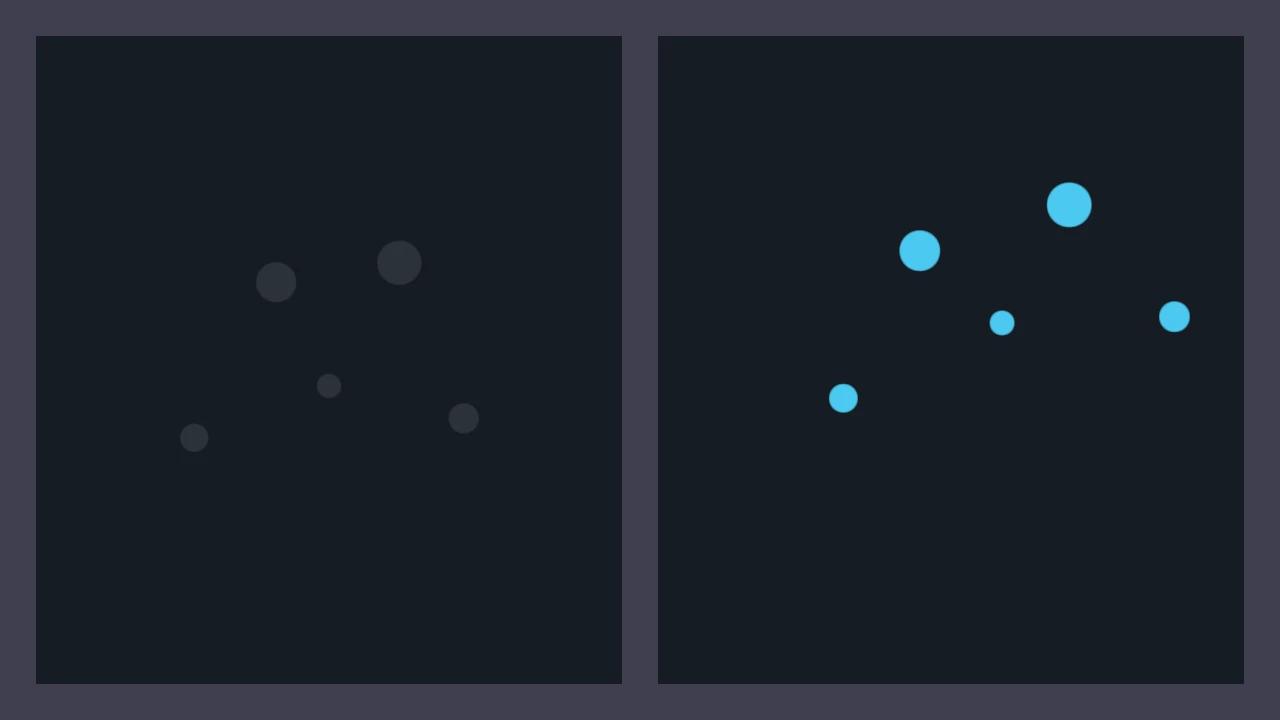
The user-scale example drives this value from a GUI slider. It changes visual readability without rewriting source positions or changing the panel domain.
After multiplying the scale by 1.25, screen-space quantities that honor user scale appear 25%
larger; panel domains, camera distance, and uploaded positions are unchanged.
Semantic scales
DvzScale is a semantic mapping object, not a geometry transform. Use it for scalar colormaps,
categorical labels, colorbars, legends, and query/probe metadata.
DvzScale* scale = dvz_scale(scene, NULL);
dvz_scale_set_domain(scale, 0.0, 1.0);
dvz_scale_set_colormap(scale, colormap);
dvz_visual_set_scale(visual, "color", scale);
Use Use colormaps and Use sampled fields for scale bindings on scalar images, volumes, labels, points, or pixels.
Important details
Transforms are retained scene objects. Keep them alive with the scene and update them through the scene API rather than baking every camera or scale change into raw positions.
Visual transforms belong to the visual, not to one panel attachment. If the same visual is attached to multiple panels, the retained transform affects all of those attachments. Create a separate visual when two panels need different object transforms.
In v0.4, use dvz_visual_set_transform() for the supported affine visual-local transform. Other
transform-description helpers are not part of the public task workflow on this page.
For animated or frequently changing placement, update the retained transform instead of uploading new positions every frame when the vertex data itself is unchanged.
Common mistakes
- Using transforms to compensate for a wrong panel domain.
- Uploading pre-normalized view coordinates with the default
DVZ_VISUAL_COORD_DATAattachment, then adding a transform to make the result look right. - Applying both data scaling and visual scaling without documenting the final units.
- Expecting
dvz_view_set_user_scale()to change data coordinates or camera distance. - Expecting
DvzScalecolor/label mappings to scale geometry. - Sharing one transformed visual between panels that need different local transforms.
- Expecting WebGPU parity for every native transform example; check the generated example page or WebGPU subset status before relying on browser support.
See also
- Use coordinate systems
- Add visuals to a panel
- Configure cameras
- Use colormaps
- Use sampled fields
- Profile rendering performance
Complete and related examples
- Canonical complete example: Visual Transform - Source:
examples/c/features/visual_transform.c - User Scale - Source:
examples/c/features/user_scale.c - Reference Grid - Source:
examples/c/features/reference_grid.c