Point
Screen-space circular point sprites for dense 2D or 3D point clouds.
Status: supported.
Backends: native; WebGPU live (point, panzoom).
Primitive: instanced screen-space quads.
Preview And Links
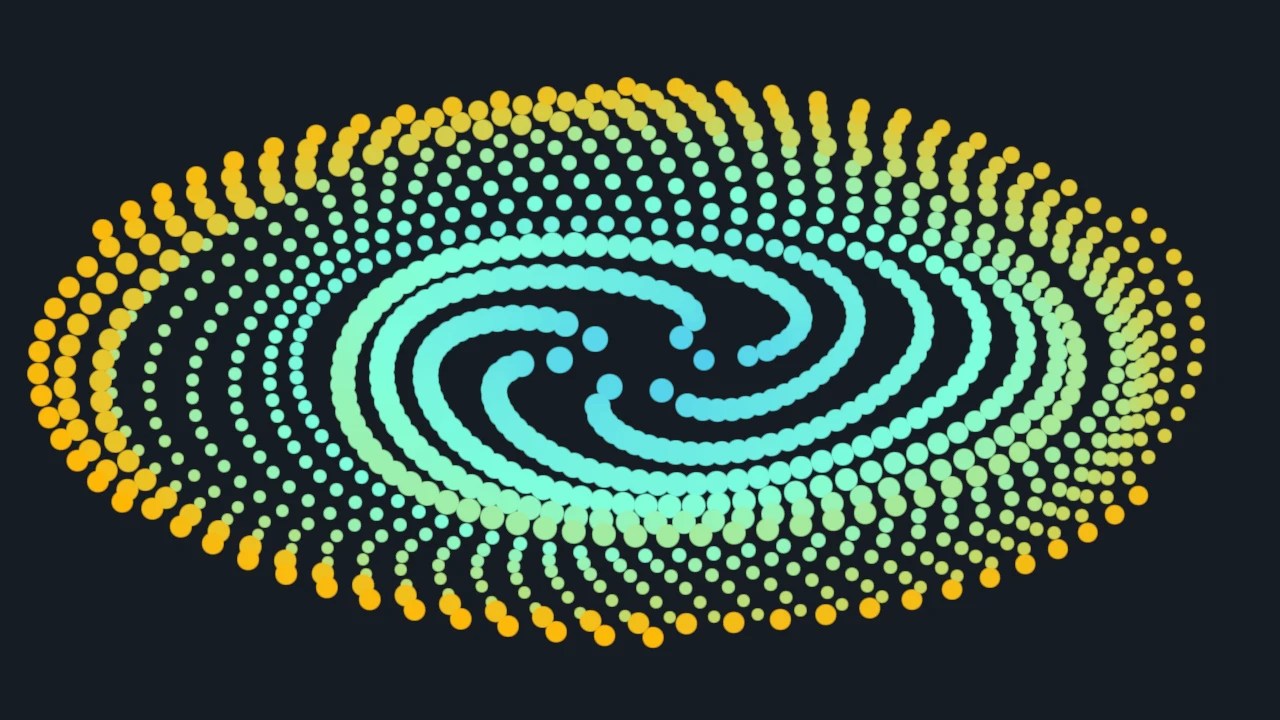
- Example: Point
- How-to: Choose a visual family, add visuals to a panel
- Related: Pixel, Marker, Sphere, Splat
Use When
Use point visuals for many circular marks whose size is expressed in pixels and whose centers use the visual's authored coordinate space. They are the baseline choice for scatter plots and point-cloud overlays.
Avoid When
Use Marker when each item needs a symbolic shape, Pixel for square screen-aligned cells, or Sphere for true 3D radius and lighting.
Item And Data Model
Create with dvz_point(scene, flags). One item is one circular sprite. Upload N rows for each
required attribute, then attach the visual to a panel. The constructor does not document defaults
for missing required dense attributes.
Attribute Contract
| Attribute | Requirement/default | C type and cardinality | Python dtype and shape | Units/coordinates and constraints | Update route |
|---|---|---|---|---|---|
position |
Required; no documented default | vec3[N] |
float32, (N, 3) |
Authored visual coordinates; each row is the sprite center. | Dense or range upload. |
color |
Required; no documented default | DvzColor[N] |
uint8, (N, 4) |
RGBA8. Alternatively set format to DVZ_VISUAL_ATTR_FORMAT_SCALAR_F32, upload float[N], and bind a color scale. |
Set format before data; dense or range upload. |
diameter_px |
Required; no documented default | float[N] |
float32, (N,) |
Diameter in logical pixels; use finite nonnegative values. Screen size is stable under pan/zoom. | Dense or range upload. |
item_state |
Optional; absent means no per-item state payload | uint32_t[N] |
uint32, (N,) |
DvzItemStateKind bitfield used by retained hover/selection styling. |
Usually managed by interaction APIs; direct dense/range upload is supported. |
color and diameter_px also support configured constant or per-group sources. Dense uploads are
still per-item and do not broadcast a one-row array.
Constructor And Options
- Constructor:
dvz_point(scene, flags); current examples passflags = 0. dvz_point_style_desc()returns the explicit default filled/no-stroke style.dvz_point_set_style()configures fill/stroke/outline aspect, edge RGBA8, and logical-pixel stroke width; passNULLin C to restore defaults.- Common visual-wide options include alpha mode, depth test, depth cue, transform, item range, and a color scale.
Verified Usage Pattern
Create the visual, upload position, color, and diameter_px with
dvz_visual_set_data_many(), optionally configure style/depth/alpha, then call
dvz_panel_add_visual(). See the complete C and Python example.
Picking And Probing
Point visuals expose retained dense attributes for CPU-side bounds and v0.4 picking. Pick results identify the source item, not the generated quad vertices.
Backend Notes
Native and WebGPU paths are active. The WebGPU gallery route is live for the RC browser subset. Depth testing is a visual option; the example disables it for a 2D panzoom panel.
Canonical Example
| Field | Value |
|---|---|
| Source | examples/c/visuals/point.c |
| Gallery | Point |
| Build | just example-c visuals/point |
| Smoke | ./build/examples/c/visuals/point --png |
| Validation | smoke+screenshot |
See Also
Choose a visual family, use panzoom, pick items, Pixel, Marker, Sphere.